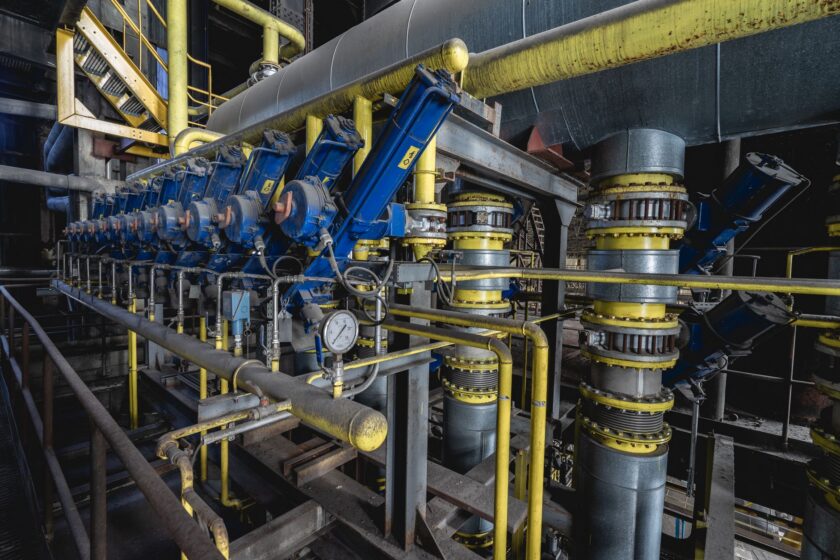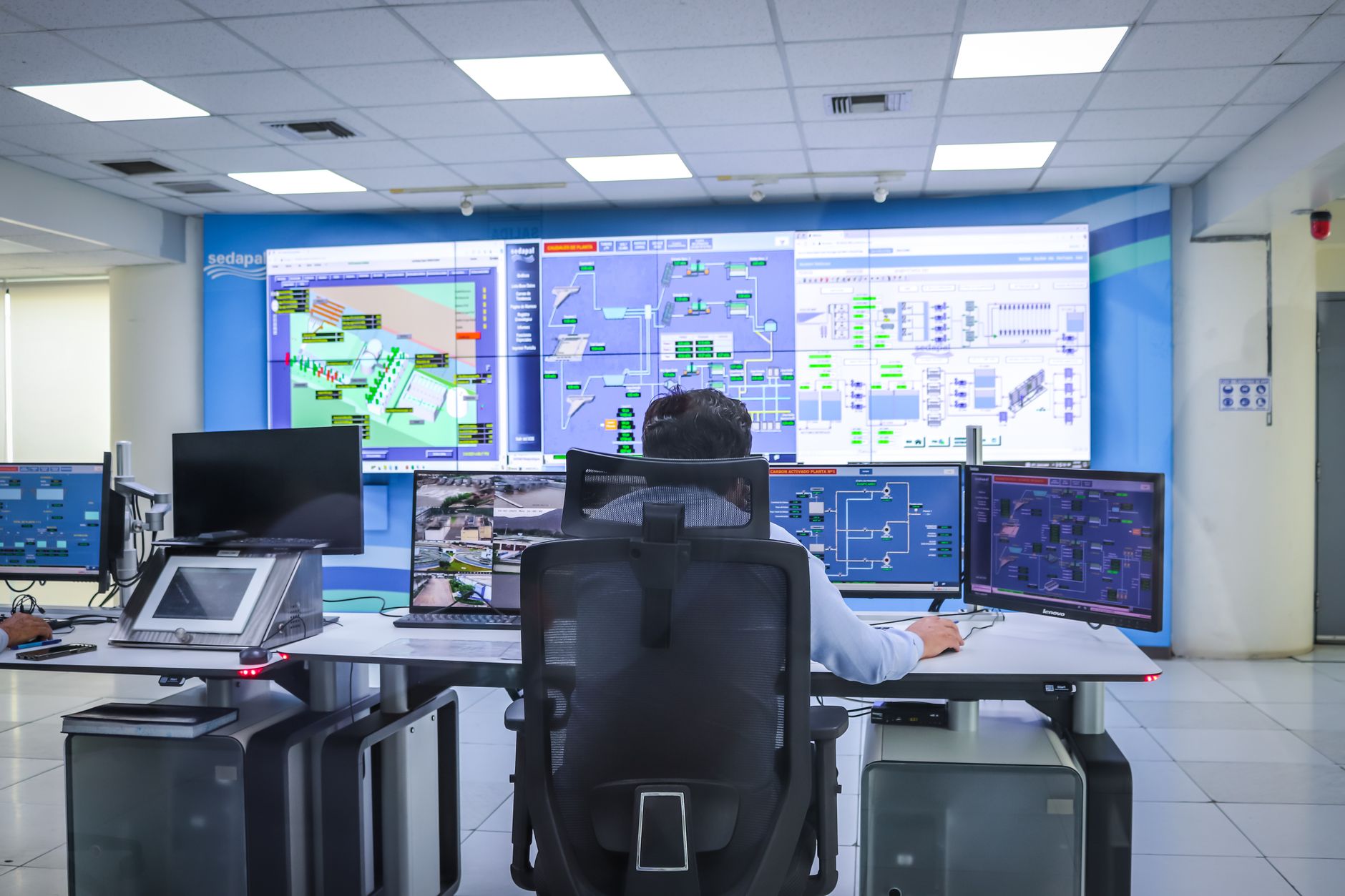
Every plant has a historian tag that looks something like PLC3_AI_112. Somebody knows what it means. Usually one person. When that person retires, transfers, or just forgets, the tag becomes archaeology — a string of characters pointing at a real physical measurement that nobody can confidently name anymore. Multiply that by the ten thousand tags a mid-sized plant accumulates over a decade, and you have what the industry euphemistically calls “tag hygiene debt.”
This used to be a minor annoyance. You could live with bad naming if a historian was just a place engineers queried by hand when something went wrong. It’s a much bigger problem now. Edge historians are getting deployed line-by-line instead of plant-wide. AI copilots and predictive models are being pointed at historical data and asked to find patterns across equipment, across lines, across sites. None of that works if “Line 4 Speed” is tagged five different ways at five different assets. The models don’t know that Speed_PV, LN4_SPD, and Line4.Extruder.ActualSpeed are the same kind of measurement on comparable equipment. A human squints and figures it out. A model — or a contractor building a cross-line dashboard — just gets three disconnected series and no way to roll them up.
So before you connect the next line, add the next edge node, or sign up for the next AI pilot, it’s worth spending a week on something unglamorous: deciding, on paper, how your tags are named and organized. This is the prerequisite skill nobody teaches cleanly, because it’s not exciting and it’s not vendor-specific. But it’s the thing that determines whether everything you build on top of the historian scales or collapses under its own inconsistency.
Why ISA-95 is the right backbone, not just a nice-to-have
ISA-95 is the standard that defines a hierarchical equipment model: Enterprise → Site → Area → Process Cell (or Line) → Unit → Equipment Module. It was written for integrating business and manufacturing systems, but it turns out to be the single best available skeleton for organizing historian tags, for a simple reason: it forces you to describe where a measurement physically lives before you decide what to call it.
Most bad tag structures are bad because they were built backward — someone named a tag after the PLC address or the point number, and the physical context (which line, which unit, which equipment) is either missing or buried in a comment field. ISA-95 flips that. The hierarchy comes first, and the tag name is just an expression of a position in that hierarchy plus the measurement it represents.
You don’t need to implement ISA-95 in its full, formal rigor — most plants don’t need Process Cell and Unit as distinct formal layers if their process doesn’t warrant it. What matters is picking a consistent depth of hierarchy and sticking to it everywhere: site, then area or line, then equipment, then measurement. That’s usually four to five levels, and it maps cleanly onto how historians organize tags into folders or asset trees, and how OPC UA structures information models with hierarchical node addressing.
A worked example: bad versus good
Here’s a realistic bad tag, the kind you find by the thousand in an older plant:
PLC3_AI_112 — a discrete PLC address encoded straight into the tag name. It tells you nothing about the physical asset, the measurement type, the unit of measure, or the line it belongs to. If PLC3 gets replaced or renumbered, every downstream dashboard, alarm, and report referencing that tag breaks or silently starts pointing at the wrong thing.
Now the same physical point, structured with an ISA-95 backbone:
Site01.LineB.Extruder02.Temperature.Zone3.PV
Read left to right, this tells a stranger everything: which site, which line, which piece of equipment, what kind of measurement, which sub-location on that equipment, and that it’s a process value (as opposed to a setpoint, SP, or an alarm limit, HI/LO). A second engineer, a contractor, or a machine learning pipeline can parse this without ever opening a tag comment. And critically, every extruder on every line can follow the identical pattern — Site01.LineC.Extruder01.Temperature.Zone3.PV — which is what makes cross-line comparison and model training possible in the first place. You’re not just naming a point, you’re encoding metadata about the point directly into a structure other systems can parse programmatically.
The naming rules worth writing down
- Fixed segment order. Site, area/line, equipment, measurement, attribute — always in that order, always the same number of segments per tag type.
- Controlled vocabulary for measurement types. Decide once whether it’s Temperature or Temp, Speed or Velocity, and enforce it. Inconsistent abbreviation is where most conventions quietly rot.
- Standard suffixes for attribute type. PV for process value, SP for setpoint, HI/LO for alarm limits, ST for status. This is what lets you query “every setpoint on Line B” as a pattern match instead of a manual list.
- No PLC addresses, no vendor-specific point numbers, in the tag name. Those belong in metadata or a mapping table, not in the identifier itself, precisely because hardware changes and names shouldn’t have to.
- Units of measure as metadata, not guesswork. A historian that stores engineering units alongside the tag saves you from the perennial argument over whether a temperature tag is in Celsius or Fahrenheit.
You don’t need a rip-and-replace to fix an existing mess
The instinct, once you see how bad an existing tag database is, is to want to rename everything and start clean. Resist it. A full rename is disruptive, risky, and rarely gets budget approval, because it touches every downstream dashboard, alarm configuration, and integration that references the old names.
The more realistic path is a metadata and aliasing layer rather than a wholesale migration:
- Build a mapping table first. Before touching any tag, catalog what exists — old tag name, physical asset, measurement type, unit — even if it’s a spreadsheet to start. You cannot fix what you haven’t inventoried.
- Introduce the ISA-95 hierarchy as a parallel structure. Most modern historians and MES platforms support asset trees or namespace hierarchies that sit on top of raw tags without renaming the underlying point. You build the clean structure as an overlay and map old tags into it.
- Enforce the new convention going forward, not retroactively. Every new line, new edge node, or new sensor gets the clean naming from day one. The legacy tags stay as they are, mapped through the overlay, and slowly age out as equipment gets replaced or lines get re-instrumented.
- Prioritize by blast radius. Fix or map the tags feeding cross-line dashboards, KPI rollups, or any AI/analytics pipeline first — that’s where inconsistent naming causes the most damage. Tags used only for local, single-line troubleshooting can wait.
- Put the convention in writing and give it an owner. A naming standard that lives only in one engineer’s head is not a standard, it’s a habit that dies with attrition. Document it, assign someone — often the MES admin or a controls engineer with data ownership responsibility — to review new tags against it before they go live.
None of this requires a big-bang project or new capital spend on tooling. It requires discipline, a documented convention, and the willingness to say no to a new edge node going live with ad hoc tag names just because the deadline is tight.
What this buys you
The payoff isn’t abstract. A consistent, hierarchical tag structure is what lets a single OEE query work identically across every line instead of needing custom logic per asset. It’s what lets a contextualization layer or AI copilot actually generalize a pattern learned on one machine to a similar machine elsewhere in the plant, instead of treating every asset as a data island. And it’s what keeps your historian from turning into the same kind of unmaintainable legacy system you’re trying to modernize away from — just with a nicer UI and an edge gateway bolted onto the front of it.
Edge historians and AI tools are, in the end, only as good as the structure underneath them. Get the hierarchy right once, and everything you plug in after — a new line, a new site, a new model — inherits order instead of chaos. Get it wrong, and you’re paying someone, eventually, to do this exercise anyway, except now with ten times the tags and none of the institutional memory left to sort them out.
This article was written with the assistance of artificial intelligence. While we aim for accuracy, the information may be incomplete, out of date, or incorrect, and should be independently verified before you rely on it for any decision. It is provided for general information only and does not constitute professional advice.