If you rolled out downtime tracking this summer and it’s already generating complaints, the complaint is almost never “the system doesn’t work.” It’s “the system won’t stop asking me things.” Every micro-stop, every 8-second jam clear, every changeover pause fires the same modal picklist, and by the second shift of week two operators are hitting the first button on the list just to make it go away. Now your Pareto chart says “Other/Unspecified” is your number one loss category, and nobody trusts the OEE dashboard walking into the Q3 review.
The fix isn’t a better picklist. It’s recognizing that not every downtime event deserves the same level of operator interrogation. Some stops can be classified entirely from machine data with zero human input. Some need a one-tap confirmation because the machine’s guess is usually right but not always. And a smaller set genuinely need a human to pick a reason because the equipment has no way of knowing what happened. Treat those three cases the same way and you’ll lose the operators — and the data — within a month.
Start with the fault code, not the picklist
Most machine controls already know more than MES teams give them credit for. A PLC or drive fault code, an OPC UA alarm condition, a servo overtravel trip, an E-stop input — these carry a specific, repeatable signature. If your line already has an OPC UA server exposing alarm and condition data (per the OPC UA A&C companion specification), or even just discrete fault bits mapped into tags, you have enough to auto-classify a real chunk of downtime without ever showing an operator a dialog box.
The design move here is building a fault-code-to-reason-code crosswalk once, in the MES or historian layer, and letting it run silently. A drive overcurrent fault maps to “Equipment Fault – Drive.” A safety-circuit trip maps to “Safety Stop.” A specific servo alarm on Line 3’s capper maps to “Mechanical Jam – Capper Head.” No prompt, no operator interaction, just a clean, high-confidence reason code written to the downtime record the instant the PLC condition clears.
This is the tier that gets skipped most often because it takes real controls engineering — someone has to walk the fault code list with the maintenance team and actually map it, rather than leaving MES to guess from a generic “machine stopped” signal. That mapping work is the single highest-leverage thing you can do to reduce prompt volume, because in most discrete manufacturing environments a meaningful share of stops are equipment-attributable faults that the control system already knows about.
The one-tap tier: confirm, don’t interrogate
The second tier covers stops where the system has a strong hypothesis but not certainty — a changeover window based on a scheduled product-code change, a stop that correlates with a known material-starvation pattern from an upstream buffer sensor, a duration that matches your historical signature for a specific micro-stop cause. Here, the right UI is not a picklist. It’s a single confirmation prompt: “Changeover to SKU 4521 — correct?” with a Yes and a “No, something else” button. Yes closes the event in under a second. No escalates to the full picklist, but only for the minority of cases where the guess was wrong.
Design this tier so the default action on timeout is the system’s best guess, not a blank or an “unspecified” bucket. If nobody touches the screen in your configured window, the event should auto-confirm to the hypothesis rather than sit open or default to a null reason — a stop with a probably-correct auto-assigned reason is far more useful downstream than one with no reason at all, and it keeps the downtime log from backing up into a queue of unresolved events that operators dread opening.
Picking a timeout that doesn’t feel like nagging
Timeout tuning is where a lot of tiering designs quietly fail. Too short, and operators feel rushed and start mis-tapping to clear the screen — which reintroduces the exact data-quality problem you were trying to fix. Too long, and confirmations pile up faster than operators can clear them, especially on lines with frequent short stops. As a starting point, size the timeout to the stop’s typical duration: a micro-stop confirmation window should close well within the time it takes the line to physically restart, while a changeover confirmation can tolerate a longer window since the operator is already occupied with the changeover itself. Whatever you pick, make it configurable per stop type and per line — a packaging line and a CNC cell do not behave the same way, and a single plant-wide timeout value is a common and avoidable mistake.
The picklist tier: reserve it for stops the machine truly can’t explain
The full reason-code picklist should be the exception, not the default. It belongs on stops with no fault code, no correlating sensor pattern, and no scheduling context — an operator manually stopping the line for a quality concern, a stop tied to a staffing gap, a material shortage the ERP hasn’t flagged yet. These are real events that genuinely require human judgment, and operators generally don’t resent being asked about them, because the ask feels proportionate to something unusual actually happening.
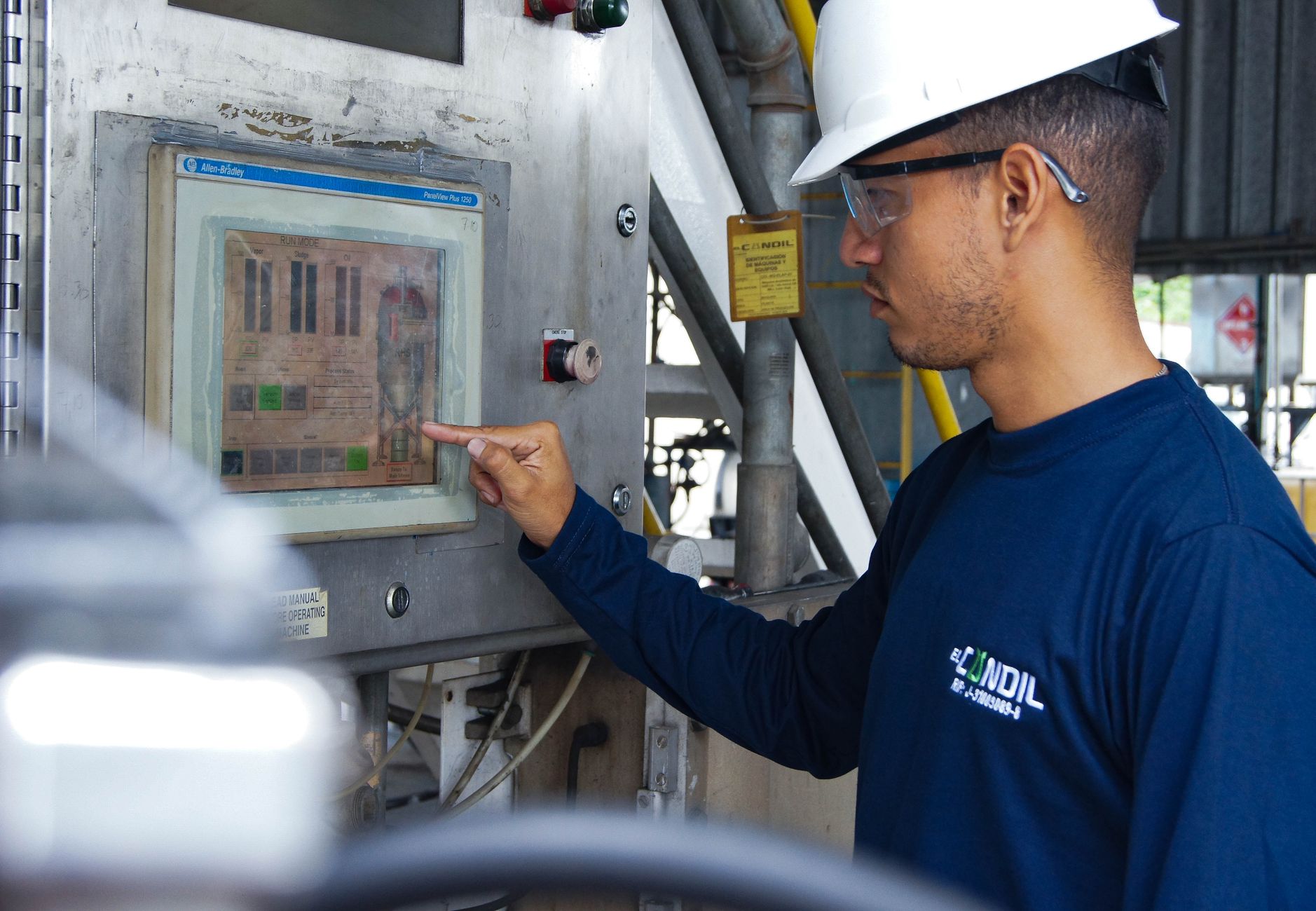
This is also where reason-code hierarchy design matters most. A flat list of forty codes guarantees slow, inconsistent selection under time pressure. Structure it as a shallow tree instead — a first tap on a broad category (Equipment, Material, Quality, Operator/Process, External) followed by a second tap on the specific subcode, ideally filtered to show only the subcodes relevant to that machine and that category. Keep the first screen to a handful of buttons, sized for a gloved thumb on a shop-floor touchscreen, not a mouse-driven desktop layout. And align your top-level categories to how your team already talks about loss in Pareto reviews, ideally mapped to something recognizable against ISA-95’s equipment and reason-code conventions, so the taxonomy holds up when someone eventually asks how it maps to a corporate standard.
Pilot it on one line before you touch the plant
Don’t design the tiering plant-wide from a conference room. Pick one line — ideally one with a mix of stop types (some clean fault codes, some ambiguous micro-stops, some genuine judgment calls) and a shift crew willing to give you honest feedback. Run it for a couple of weeks and watch three things: how many events land in each tier, how often operators override the one-tap confirmation, and how long the picklist tier actually takes end to end. If more than a small fraction of events are landing in the full-picklist tier, your fault-code mapping or your confirmation logic isn’t doing enough work yet, and you’ll want to fix that before the pattern repeats across ten more lines.
Talk to the operators directly, not just through the data. Ask what feels like nagging and what feels like the system is being reasonable. Adjust timeouts, tighten the fault-code crosswalk, and only then extend the model to the next line — ideally one with a different stop-type mix, so you’re testing the tiering logic against a genuinely different failure profile rather than just copying a config file.
What “done right” looks like
When the tiering is working, most downtime events on a well-instrumented line close themselves out with no operator interaction at all, a smaller set get a one-tap confirmation that operators barely notice, and the picklist appears rarely enough that when it does show up, operators actually engage with it instead of dismissing it on autopilot. Your Pareto chart stops being dominated by “Other,” your maintenance team gets fault-code-level detail without asking for it, and the OEE numbers going into the Q3 review are ones you can defend in the room instead of caveating.
None of this requires new hardware or a rip-and-replace of your MES downtime module. It requires someone willing to do the unglamorous work of mapping fault codes, tuning timeouts per line, and resisting the urge to solve every ambiguous stop with one more picklist option. That’s the actual job. The pop-up count is just the symptom.
This article was written with the assistance of artificial intelligence. While we aim for accuracy, the information may be incomplete, out of date, or incorrect, and should be independently verified before you rely on it for any decision. It is provided for general information only and does not constitute professional advice.